 Apple Watch
Exoplan AI Energy Planner
Plan deep work for your peak and admin for your dip.
Download

Energy Prediction
Get ahead by planning with your energy in mind.
Exoplan reads your sleep, heart rate and activity from Apple Health and marks when your energy is likely to rise and dip, right on your calendar. Put deep work on your peaks and admin in the dips.
Pathfinder
Plan your entire day in under 30 seconds using natural language.
Type or say something like “outside walk 15m, deep work 4h, gym” and Pathfinder, the AI planner, time-blocks it around your meetings and energy. You review every change before it lands on your calendar.
Exo Score
Single metric to track your productivity and recovery.
A daily score built from your sleep and heart rate, so you can see at a glance how recovered you are.
How Exoplan works
Research note Exoplan energy algorithm How Exoplan turns eight weeks of heart-rate, activity and sleep data from Apple Health into your energy peaks.What people say
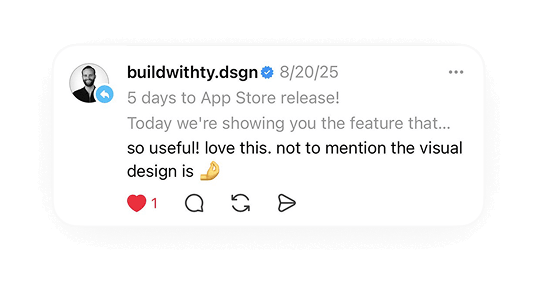
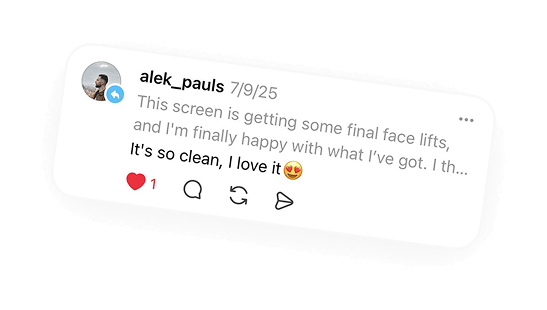
Questions
What data does Exoplan read?
Sleep, heart rate and activity from Apple Health. With an Apple Watch, Exoplan learns from your own data after a short calibration period. Without one, it estimates your rhythm from your chronotype.
Do I need an Apple Watch?
No. Exoplan works with the sleep and heart-rate data in Apple Health, wherever it comes from. Without a tracker, it estimates your rhythm from your chronotype, which you set during onboarding. An Apple Watch gives it the most data to learn from.
Is there an Apple Watch app?
No. Exoplan runs on iPhone and reads your Apple Watch data through Apple Health.
Is my energy measured?
No, it’s estimated. Exoplan looks at when you slept and how your heart rate and activity changed over recent weeks, then predicts when your energy usually rises and dips. It’s a planning aid, not medical advice. The research note Exoplan energy algorithm explains each step.
Which calendars does it work with?
Apple Calendar, including iCloud, Exchange and every other account on your iPhone, plus Google Calendar. You can connect more than one Google account.
Which iPhones are supported?
Any iPhone with iOS 18 or later. The app is in English.
Is Exoplan free?
Exoplan is free to download. Exoplan Pro adds Pathfinder, the AI planner, and voice input for $9.99 a month or $59.99 a year (US prices), with a free trial.
What happens to my data?
Health data is read on your iPhone. To build your energy model, recent heart-rate, activity and sleep data goes to Exoplan’s server, which doesn’t store it. Planner requests go to OpenAI. Exoplan doesn’t sell your data. Details are in the privacy policy.
Does Exoplan track me?
No. Since version 2.1.25, Exoplan doesn’t track you across other apps and websites, and it shows no ads.
More answers on the support page.